
Help Articles Library
Find clear answers for every part of your CRM
Welcome to the Help & Training knowledge library. Browse step‑by‑step guides, quick answers, and best practices—all written for everyday users, not IT teams.
Popular searches: importing contacts, email templates, pipelines, mobile app, calendar sync
Start with the essentials
Handpicked guides to help you get value from Help & Training in under an hour.
New to Help & Training
Learn the core concepts: workspaces, contacts, timelines, and views.
- Help & Training overview
- Tour of your dashboard
- How data is organized
Most‑read tutorials
Quick wins that everyday users come back to again and again.
- How to import your first contact list
- Sending your first email campaign
- Setting reminders and follow‑ups
Need a human?
Can’t find the article you need? Our team can point you to the right guide in just a few minutes.
Live chat • Weekdays 9am–6pm
Browse the articles library
Explore articles by topic. Each guide includes screenshots, definitions, and clear next steps.
Accounts & profiles
Sign‑in, security, notification settings, language, and personal preferences.
- Update your profile
- Change email or password
- Manage notifications
Contacts & relationships
Importing, segmenting, and keeping your people and companies up to date.
- Import contacts from CSV
- Merge duplicate records
- Create smart lists
Email & communication
Send one‑off emails, templates, campaigns, and keep replies in one history.
- Connect your inbox
- Create reusable templates
- Understand email tracking
Looking for pipelines, tasks, or automation? Browse all categories.
Help that feels human, even in article form
Every Help & Training article is written for individuals and consumers—no jargon, no fluffy marketing copy. Just screenshots, examples, and the exact buttons to click.
- Step‑by‑step checklists you can follow as you work
- Plain‑language definitions for CRM terms
- Short articles so you never lose your place on screen
Prefer watching instead of reading? Many guides include a 2–3 minute walkthrough video embedded at the top.
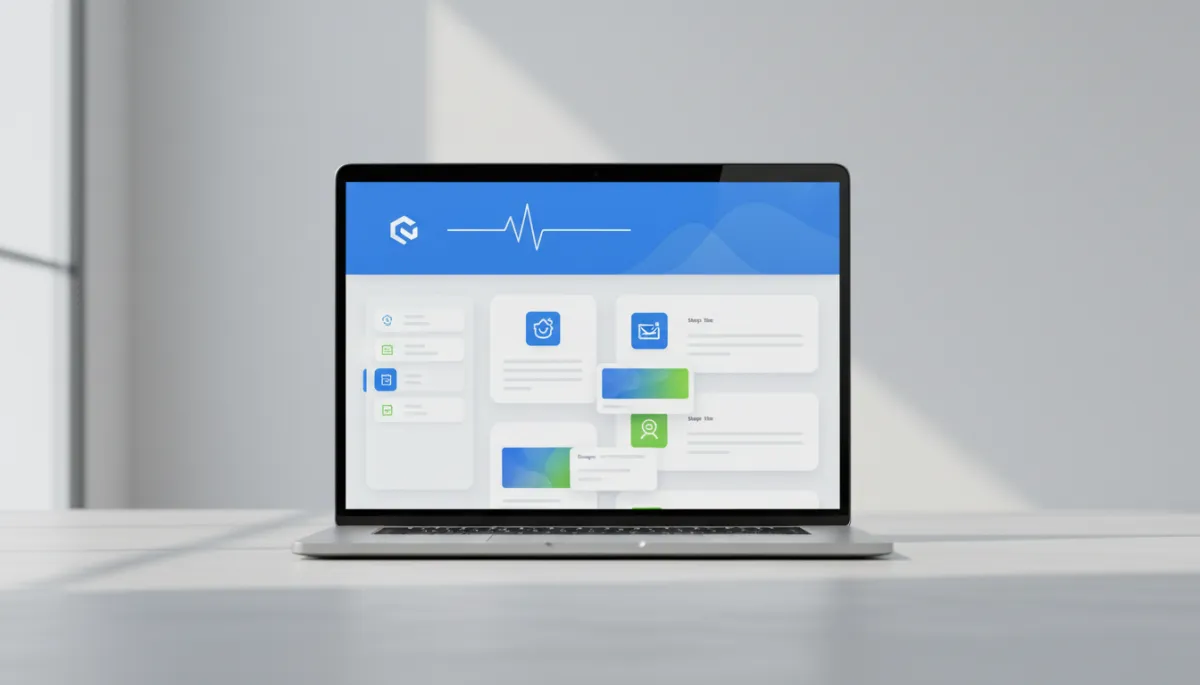
Article layout you can scan in seconds
- Overview & when to use this feature
- Before‑you‑start checklist
- Numbered steps with screenshots
- What success looks like in your account
Open any article from the library and start following along immediately—no setup required.
Get unstuck in the next five minutes
Use the search bar to find a how‑to article, or jump into a category that matches what you’re trying to do in your CRM today.
No login required to read most help articles.
Common questions about the articles library
Still not sure where to start? Here are quick answers.
Do I need a Help & Training account to read articles?
Most articles are openly available and do not require you to sign in. If a guide relates to billing or private account data, we may ask you to log in for your security.
Are these help articles written for individuals or teams?
Both—but we always start from the perspective of an individual user or consumer. Every article includes examples and scenarios you can follow on your own, even if you’re not a technical admin.
How often is the articles library updated?
We update the library every week as we release new features or improve existing ones. If you see something that looks out of date, use the feedback link at the bottom of the article.
What if I can’t find the article I’m looking for?
Start with a broad search, then try the closest‑matching category. If you’re still stuck, reach out to support with what you’re trying to do, and we’ll send you a direct link or create a new guide.
Help & Training
A dedicated help center for individuals and consumers using the Help & Training CRM. Articles, walkthroughs, and real people when you need them.
© 2026 Help & Training. All rights reserved.